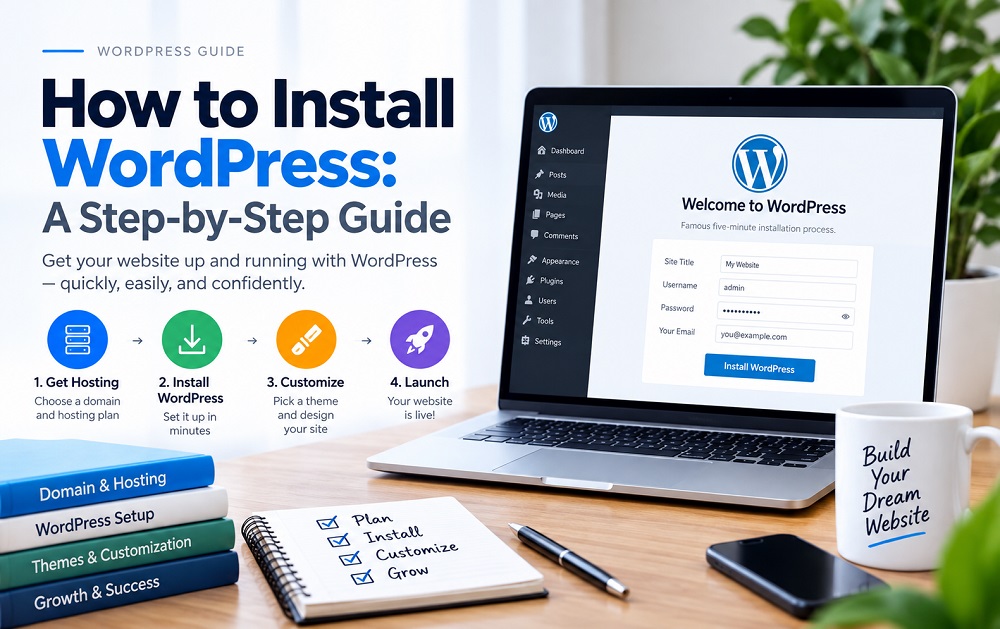
Installing WordPress is far simpler today than it used to be, but knowing what each step actually does helps you troubleshoot problems and make better decisions later.
Choose Hosting and a Domain First
WordPress needs a place to live (web hosting) and an address for visitors to find it (a domain name). Most hosting providers offer straightforward domain registration alongside hosting plans, so these can typically be set up together.
One-Click vs Manual Installation
Most modern hosts offer a one-click WordPress installer through their control panel, which handles the technical setup automatically. Manual installation – downloading WordPress files and configuring a database yourself – is still possible but rarely necessary for beginners.
Initial Setup Steps
- Choose a strong admin username and password (avoid the default “admin” username for security reasons).
- Set your site title and tagline, which can be changed later under Settings.
- Confirm your site’s timezone and permalink structure early, since changing permalinks later can affect existing links.
Install a Theme
WordPress comes with a default theme, but most site owners choose a theme suited to their niche and desired layout. Stick to well-reviewed, actively maintained themes from reputable sources to avoid security and compatibility issues.
Add Essential Plugins
A small number of foundational plugins – typically covering security, backups, SEO, and caching – form a reasonable starting toolkit. Avoid installing too many plugins at once; each one adds potential points of failure and slows down the site.
Remove Sample Content
New installs include a placeholder “Hello World” post and a sample page. Deleting or replacing these before launch keeps the site looking intentional rather than unfinished.
Once installed, WordPress is ready to be shaped into whatever kind of site you’re building – the setup itself is just the foundation.
PDF eBook with:
📘 Step-by-step WordPress installation checklist
🎥 10 YouTube tutorial videos
🔗 Clickable YouTube links
🌐 Your original MD Apel Trainer article link
📢 AdSense-readiness considerations
📝 Compact, beginner-friendly layout
© MD Apel Trainer branding
Download the eBook: