
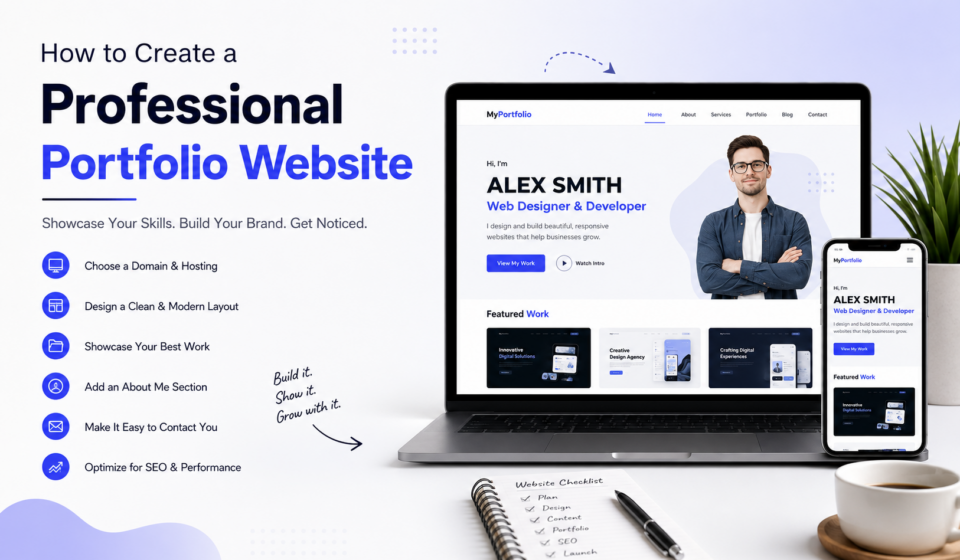
How to Create a Professional Portfolio Website
In today’s digital world, your portfolio website is often the first impression potential clients, employers, or business partners have of you. Whether you’re a web designer, developer, graphic designer, photographer, writer, digital marketer, or freelancer, having a professional portfolio website can significantly increase your credibility and help you win more opportunities.
A well-designed portfolio is more than just a collection of projects—it’s your online personal brand. It tells visitors who you are, what you do, and why they should choose you over others.
In this comprehensive guide, you’ll learn everything you need to know about creating a professional portfolio website that stands out and converts visitors into clients.
Why Every Professional Needs a Portfolio Website
A professional portfolio website serves multiple purposes:
- Builds trust and credibility
- Demonstrates your skills
- Showcases real projects
- Helps clients contact you easily
- Improves your online visibility
- Supports your personal brand
- Generates leads and business opportunities
Unlike social media profiles, your portfolio website is fully under your control. You decide the design, content, branding, and user experience.
Step 1: Define Your Goal
Before designing your website, ask yourself:
- Who is my target audience?
- Am I looking for freelance clients?
- Do I want a full-time job?
- Am I promoting a business?
- Am I selling services?
Your goal influences everything from layout to content.
For example:
A freelancer may focus on project showcases and testimonials.
A job seeker may highlight skills, certifications, and resume.
A creative professional may prioritize visual presentation.
Step 2: Choose a Domain Name
Your domain name should be:
- Short
- Easy to remember
- Easy to spell
- Professional
Examples:
- yourname.com
- johnsmithdesign.com
- apelmahmud.com
- youragency.com
Avoid:
- Numbers
- Hyphens
- Difficult spellings
- Long names
A custom domain immediately makes your website look more trustworthy.
Step 3: Choose Reliable Web Hosting
Fast hosting improves:
- Website speed
- SEO
- User experience
- Security
Look for hosting that offers:
- SSL Certificate
- Daily backups
- Fast servers
- Good customer support
- One-click WordPress installation
Investing in quality hosting is worthwhile because website speed affects both rankings and visitor satisfaction.
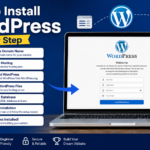
Step 4: Install WordPress
WordPress powers millions of websites because it’s:
- Beginner-friendly
- SEO-friendly
- Highly customizable
- Scalable
- Secure
- Supported by thousands of plugins
After installation:
- Set your site title.
- Configure permalinks.
- Install an SSL certificate.
- Update WordPress.
- Remove default content.
Step 5: Select a Professional Theme
Your theme creates the first visual impression.
Choose a responsive, lightweight theme that looks professional.
Good portfolio themes should include:
- Mobile responsiveness
- Fast loading
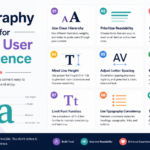
- Clean typography
- Portfolio layouts
- Easy customization
- SEO optimization
Avoid themes overloaded with unnecessary animations or features that can slow your site.
Step 6: Create Essential Pages
A professional portfolio website should include these core pages:
Home
Your homepage should immediately explain:
- Who you are
- What you do
- Who you help
- Why you’re different
Include:
- Hero section
- Professional photo
- Call-to-action
- Featured work
- Testimonials
- Contact button
About Page
Your About page tells your story.
Include:
- Background
- Experience
- Skills
- Mission
- Achievements
- Personal values
Keep it conversational and authentic.
Portfolio Page
This is the heart of your website.
Instead of simply showing screenshots, explain each project.
Include:
- Client or project name
- Challenge
- Solution
- Tools used
- Results
- Images
- Live project link (if available)
Quality matters more than quantity. Five excellent case studies are often more effective than dozens of basic examples.
Services Page
Clearly describe your services.
Examples:
- Web Design
- WordPress Development
- SEO
- UI/UX Design
- Branding
- Digital Marketing
For each service include:
- Benefits
- Process
- Deliverables
- Pricing (optional)
- FAQs
Blog
Publishing helpful articles improves:
- SEO
- Authority
- Traffic
- Trust
Useful topics include:
- Web design tips
- SEO strategies
- WordPress tutorials
- Freelancing advice
- Marketing guides
- Industry trends
Consistent blogging can attract potential clients through search engines.
Contact Page
Make it easy for visitors to reach you.
Include:
- Contact form
- Email address
- Phone number (if appropriate)
- Social media links
- Location (optional)
- Business hours (if relevant)
A simple contact experience can increase inquiries.
Step 7: Showcase Your Best Work
Don’t upload every project you’ve ever completed.
Instead, select work that demonstrates:
- Problem-solving
- Creativity
- Technical skills
- Business impact
For each project, explain:
The Challenge
What problem needed solving?
The Solution
How did you approach it?
The Process
Describe your workflow.
The Results
Whenever possible, include measurable outcomes such as increased traffic, improved conversions, or positive client feedback.
Step 8: Add Professional Photography
Visitors trust real people.
Use:
- Professional headshot
- Workspace photos
- Team photos (if applicable)
- Speaking or training photos
- Event images
Avoid low-resolution selfies or unrelated stock images for your profile.
Step 9: Display Your Skills
Create a dedicated skills section.
Examples:
Design
- UI Design
- UX Design
- Figma
- Adobe XD
Development
- HTML
- CSS
- JavaScript
- PHP
- WordPress
Marketing
- SEO
- Google Analytics
- Facebook Ads
- Content Marketing
- Email Marketing
Organize skills into categories for easy scanning.
Step 10: Include Testimonials
Testimonials provide social proof.
Ask clients to comment on:
- Communication
- Professionalism
- Results
- Timeliness
- Problem-solving
Include:
- Client name
- Company
- Photo (with permission)
- Job title
Authentic testimonials build confidence.
Step 11: Add Strong Calls-to-Action
Every page should guide visitors toward the next step.
Examples:
- Hire Me
- Request a Quote
- View My Work
- Book a Consultation
- Contact Me
- Download My Resume
Clear CTAs encourage engagement and conversions.
Step 12: Optimize for Mobile Devices
Most visitors browse on phones.
Ensure your website has:
- Responsive design
- Readable text
- Large buttons
- Fast loading
- Easy navigation
- Optimized images
Test your site on multiple devices to ensure a smooth experience.
Step 13: Improve Website Speed
Speed affects user satisfaction and search rankings.
Tips:
- Compress images
- Enable caching
- Use a Content Delivery Network (CDN)
- Limit unnecessary plugins
- Optimize CSS and JavaScript
- Choose quality hosting
Aim for pages that load in just a few seconds.
Step 14: Optimize for SEO
Good SEO helps people discover your portfolio.
Best practices:
- Use descriptive page titles
- Write compelling meta descriptions
- Structure content with headings
- Optimize image alt text
- Use internal links
- Build backlinks naturally
- Publish fresh content regularly
Target keywords naturally without overusing them.
Step 15: Strengthen Your Personal Brand
Keep your branding consistent.
Use the same:
- Logo
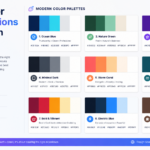
- Colors
- Fonts
- Writing style
- Profile photo
- Social media identity
Consistency makes your brand more memorable.
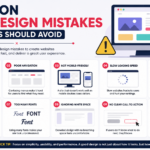
Common Portfolio Website Mistakes
Avoid these pitfalls:
- Too much text
- Poor-quality images
- Broken links
- Slow loading
- No contact information
- Outdated projects
- Generic descriptions
- Cluttered layouts
- Weak calls-to-action
- Lack of case studies
Regular maintenance helps keep your portfolio relevant and effective.
Recommended WordPress Plugins
Consider these categories of plugins:
- SEO optimization
- Security
- Caching
- Image optimization
- Contact forms
- Backup solutions
- Analytics integration
- Portfolio galleries
Install only the plugins you truly need to maintain performance.
Portfolio Website Checklist
Before publishing, confirm that you have:
- Professional domain
- Secure hosting
- SSL certificate
- Responsive design
- About page
- Portfolio page
- Services page
- Blog
- Contact page
- Testimonials
- Fast loading speed
- SEO optimization
- Analytics setup
- Social media links
- Clear calls-to-action
Review your site periodically to keep content and projects up to date.
Final Thoughts
A professional portfolio website is one of the most valuable investments you can make in your career. It serves as your digital storefront, helping potential clients and employers understand your expertise before they ever contact you.
Focus on showcasing your best work, explaining the value you provide, and making it easy for visitors to connect with you. Prioritize clean design, fast performance, mobile responsiveness, and search engine optimization. Over time, continue refining your portfolio by adding new projects, publishing insightful blog posts, and collecting testimonials from satisfied clients.
Remember, your portfolio is never truly finished—it should evolve as your skills, experience, and career grow. By consistently improving it, you’ll create a website that not only reflects your professionalism but also becomes a powerful tool for attracting new opportunities.
